
How to Check if Your Resume Is ATS-Friendly
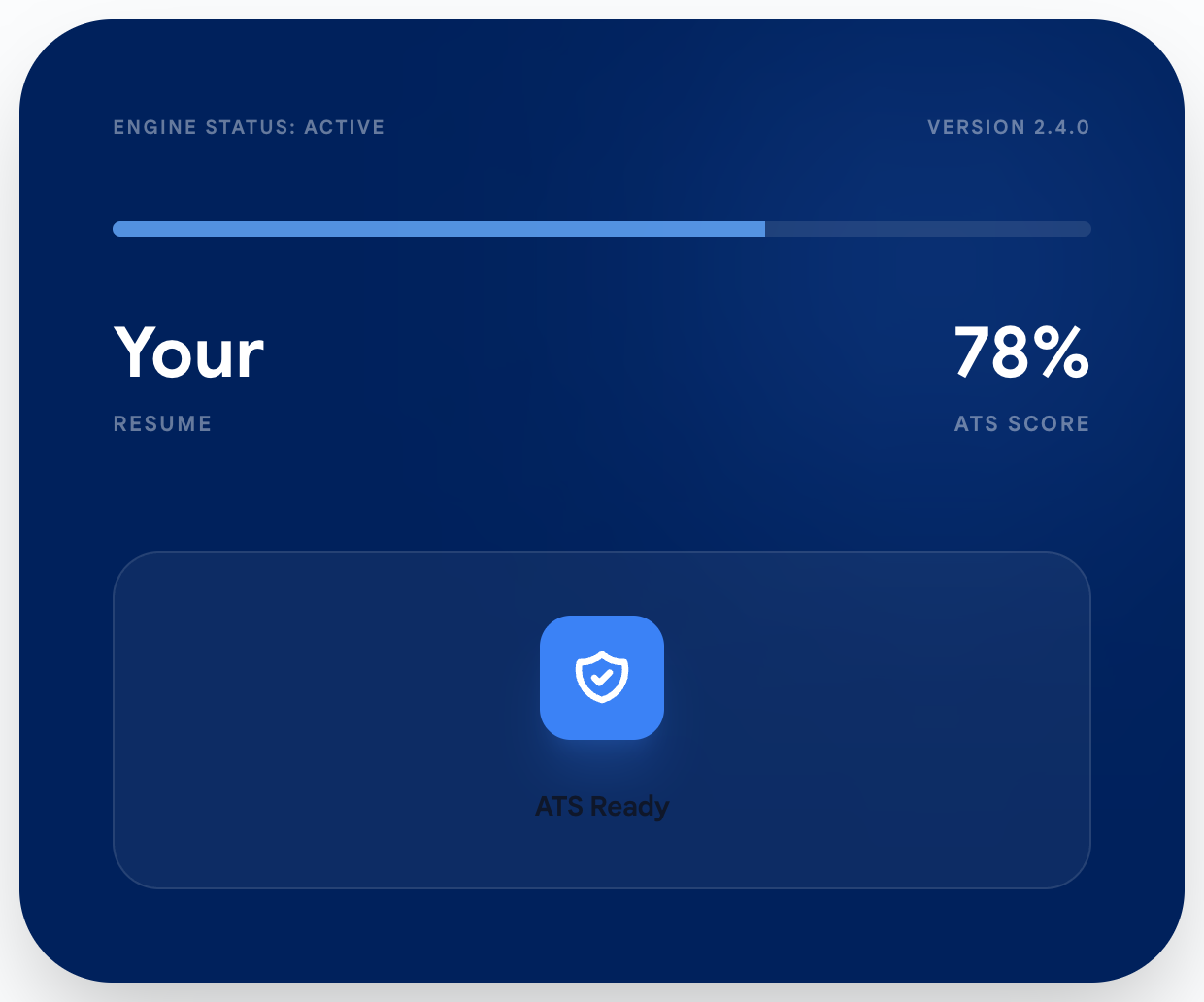
If you’re applying to jobs and hearing nothing back, it doesn’t automatically mean you’re not qualified. A lot of the time, your resume just isn’t matching the job description in the way hiring systems (and busy recruiters) can quickly recognize.
This guide shows you how to check two things:
- Keyword alignment (do you have the right skills/terms for this job?)
- Formatting readability (is your resume easy for systems to read?)
And yes — you can check both for free in under a minute.
A quick story (this is what happens to real people)
Let’s say Alex applies to a UX role.
Alex’s resume is solid. The portfolio is strong. The experience is real.
But the job description keeps repeating terms like:
- “structured thinking”
- “design critiques”
- “driving product direction”
- “high-fidelity visuals”
Alex’s resume might imply those skills, but if the wording doesn’t show them clearly, it’s easy to get buried—especially when recruiters are scanning fast or searching by keywords.
That’s what “ATS-friendly” is about: not gaming anything—just making your resume readable and clearly relevant.
What “ATS-friendly” means (simple)
An ATS-friendly resume is:
- Easy to read (simple layout, clean sections, readable font)
- Easy to match (your resume uses the same language as the job description—when it’s truthful)
The fastest way to check
Here’s the quickest workflow:
- Open Answerly’s free ATS checker.
- Upload your resume.
- Paste in the job description.
- Run the scan.
In under a minute, you’ll see:
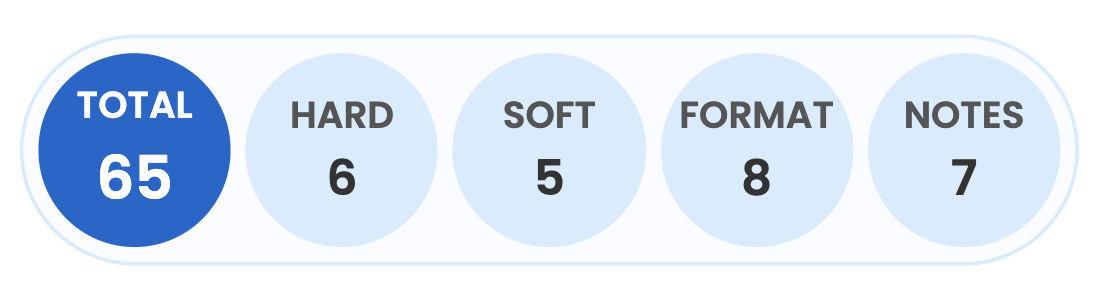
- Overall match score (out of 100)
- Hard skills: matched + missing
- Soft skills: matched + missing
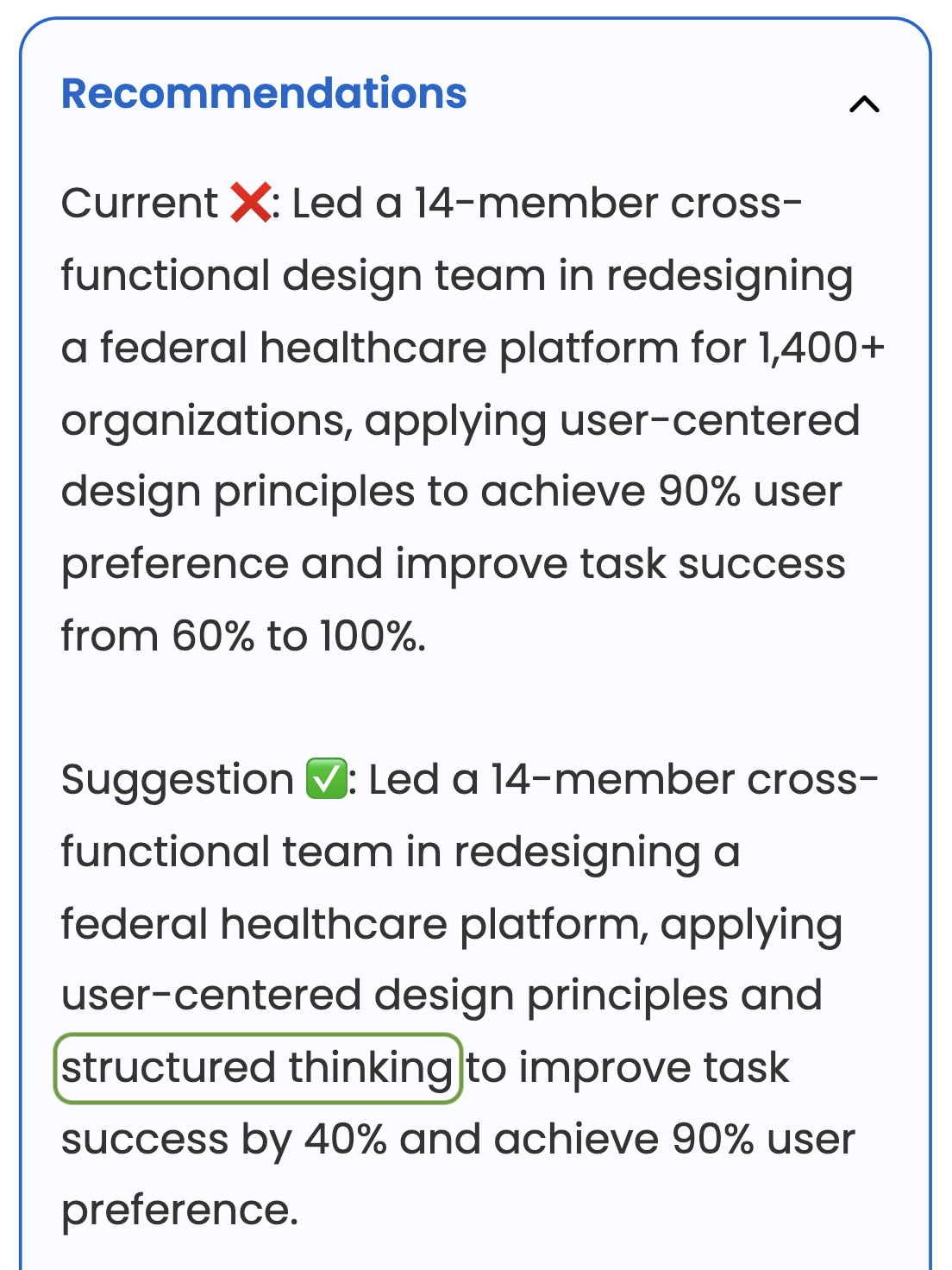
- Bullet point rewrite suggestions (you decide what to accept)
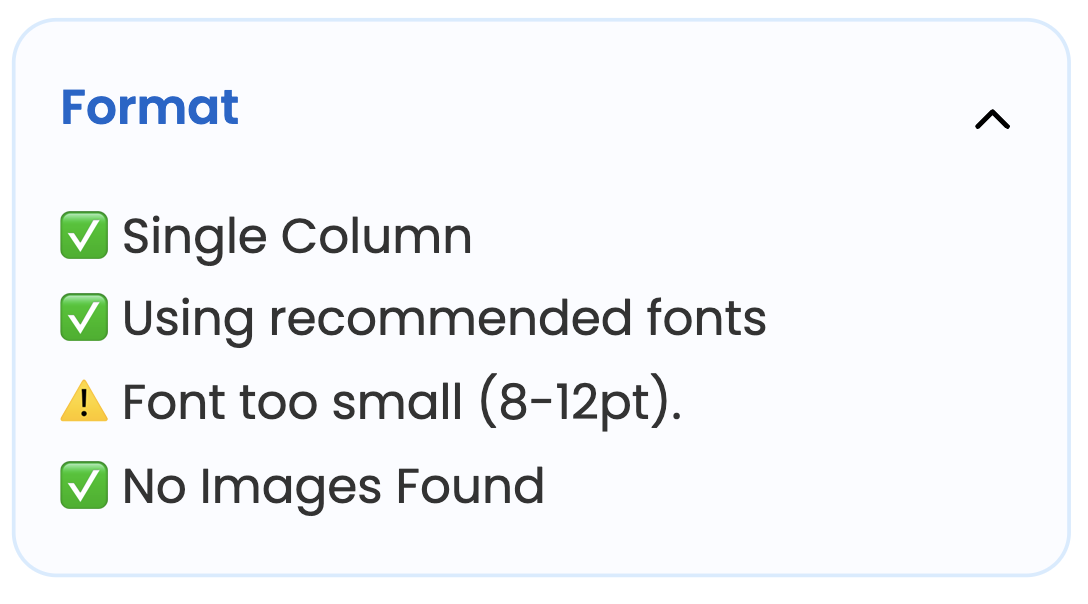
- Format checks (columns/images/font sizes/typefaces)
- Recruiter notes (AI-generated guidance)
What a “good ATS score” looks like
Here’s a simple way to read it:
- Under 60: you probably have gaps (keywords missing or wording mismatch)
- 60–79: you’re close; a few changes can move the needle
- 80+: you’re in a strong place for that job description
80+ doesn’t mean “guaranteed interview.” It means you’re clearly aligned in language and requirements, which is the whole point of tailoring.
How to improve your score (without making things up)
This is important: you should never add skills you don’t have.
Answerly is designed to stay true to your real experience:
- It gives suggestions only
- Nothing changes in your resume unless you approve it
- The goal is to improve alignment using your real experience
Example: safe keyword alignment (truthful)
If your resume says:
- “Built a design system.”
And the job description says:
- “Built scalable design systems.”
A good suggestion is:
- “Built a scalable design system.”
That’s not a new claim. It’s adding a context keyword that fits what you already did.
ATS-friendly formatting checks (quick wins)
Even with perfect keywords, formatting can still cause problems.
Here are “safe defaults”:
- Prefer a single-column layout
- Avoid images for important information
- Keep font readable (don’t go too small)
- Use a simple, legible typeface
Try it (free)
If you want to check your resume against a job description right now:
Check your ATS score for free →
FAQ
Is there a free ATS checker?
Yes. Answerly’s ATS checker is free — it scans your resume against a pasted job description and gives you a match score plus keyword gaps and suggestions.
Will an ATS automatically reject me?
Not always. But if your resume is hard to read or doesn’t match the role language, it can be easier to overlook. Tailoring helps you show relevance faster.
Should I copy/paste the job description into my resume?
No. Use the job’s keywords only when they describe your real experience. Add them naturally inside your bullets.