
Answerly's Auto Apply: how it actually works
"Auto apply" usually means one of two things, and the difference matters. Some tools mass-submit your resume to hundreds of listings with no review step, hoping volume makes up for accuracy. Answerly's Auto Apply, currently in beta, does something narrower: it queues jobs, fills them out in the background, and stops right before submit so you can look at each one first.
If you came here expecting a tool that blasts your resume out while you sleep, this isn't that, and that's on purpose.
How it works
Auto Apply pulls job matches and scores them against your resume, showing a match percentage along with the reason behind it, not just the number. You pick which ones to queue.
Once queued, each job opens in a background tab. Answerly finds the application form (on some ATS platforms, like Ashby and Lever, the form lives behind the job posting's own "Apply" button, so it clicks that first, the same step a human would take), then fills it from your resume the same way manual autofill does. If you've turned on per-job resume tailoring in settings, it also generates a version rewritten for that specific listing before attaching it.
When the fill finishes, the job shows up in your dashboard queue as "Ready to Review," not "Applied." You open it, check the filled fields and any drafted answers, and click submit yourself. Nothing in this pipeline has permission to click submit on its own. A job only ever shows as "Applied" after Answerly observes a real, human-triggered submit action on the page.
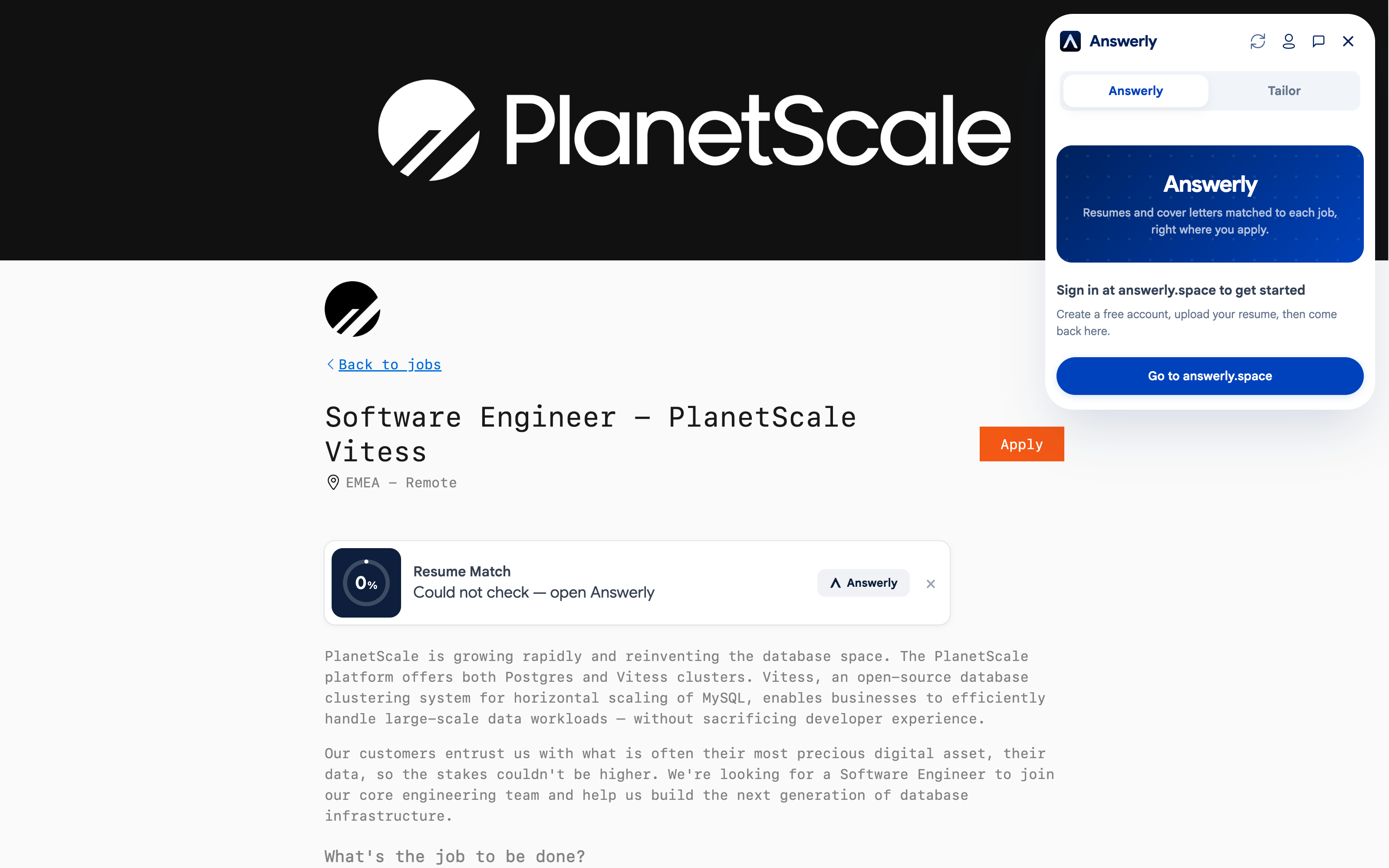
Same panel, same fill, whether it's you sitting there or a background tab doing the same steps unattended.
What it catches for you
A few things happen automatically that are easy to skip when you're applying manually at speed:
- Job listings that look off (recycled postings, mismatched details) get flagged before you spend time on them.
- Your ATS keyword match is scored against the actual posting, not a generic pass.
- If a form's application page lives behind a click-through step, Auto Apply handles that navigation instead of failing silently.
What it doesn't do
It doesn't submit anything without you. It doesn't work on every ATS platform, since it's built on the same autofill engine that's verified on Greenhouse, Lever, Ashby, Workday, BambooHR, Rippling, and a handful of others, and a listing outside that set will need manual filling. It's also still in beta, so expect rougher edges than the core autofill and resume tailoring features, which have had longer to settle.
Why the review step isn't a limitation
Application questions about prior employment at the company, non-competes, or security clearance need a real answer from you, not a guess from a model. A tool that submits blind gets those wrong sometimes, and a wrong answer submitted to a real employer isn't a bug, it's a false statement with your name on it. The review step exists because that risk doesn't go away just because the form got filled faster.
If your priority is submitting the largest possible number of applications with no oversight, Auto Apply isn't built for that, and honestly, neither is a job search that actually works. Recruiters increasingly notice recycled, unreviewed submissions, and a queue you actually look at before submitting stays farther from that pattern.
Every job Auto Apply queues also lands on your application tracker, so you're not cross-referencing a separate spreadsheet to see what's actually pending review.