
How Answerly's autofill actually works
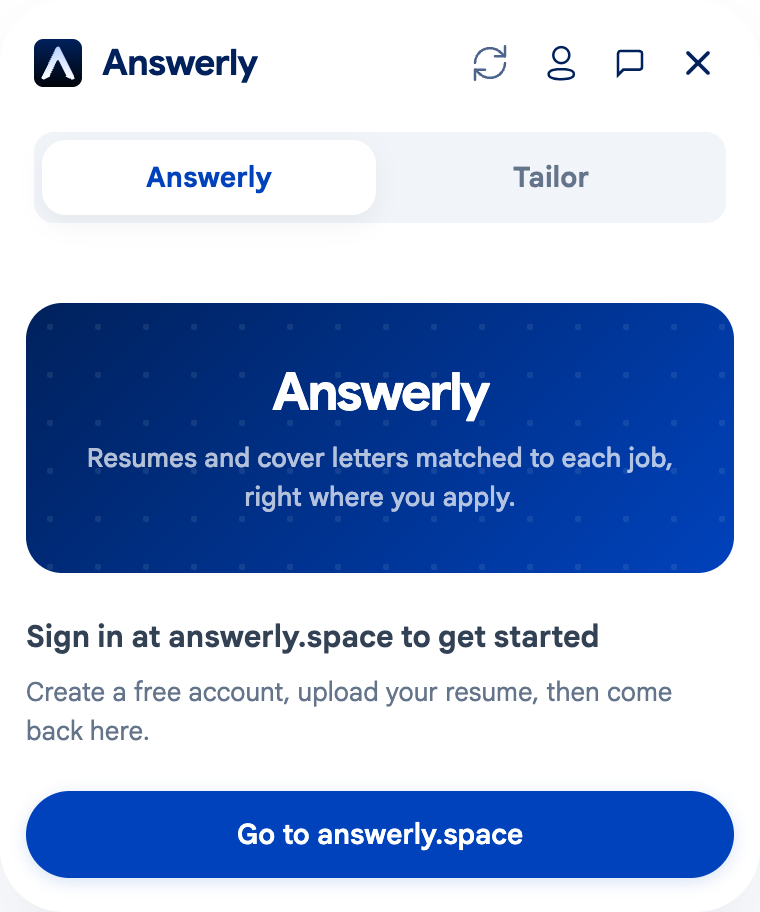
Most job application forms ask for the same information: work history, education, skills, contact details. You've typed it in dozens of times if you've applied to more than a handful of roles. Answerly's autofill reads your uploaded resume once and maps it into that form directly, on the job page itself.
Here's what that actually involves, and where it stops.
What gets filled
Once you upload a resume, Answerly parses it into structured fields, not just raw text. When you land on a supported application page, it reads the form's own field labels and matches them against your resume data: employer names, job titles, dates, degrees, schools, skills, contact info. On Workday specifically, this includes the Work Experience, Education, and Skills sections, along with the voluntary EEO self-identification fields, which default to "decline to self-identify" unless you've set a different preference in your profile.
Open-ended questions are handled differently. Those get an AI-drafted answer based on your resume and the job description, shown to you before it goes in the field, not filled silently.
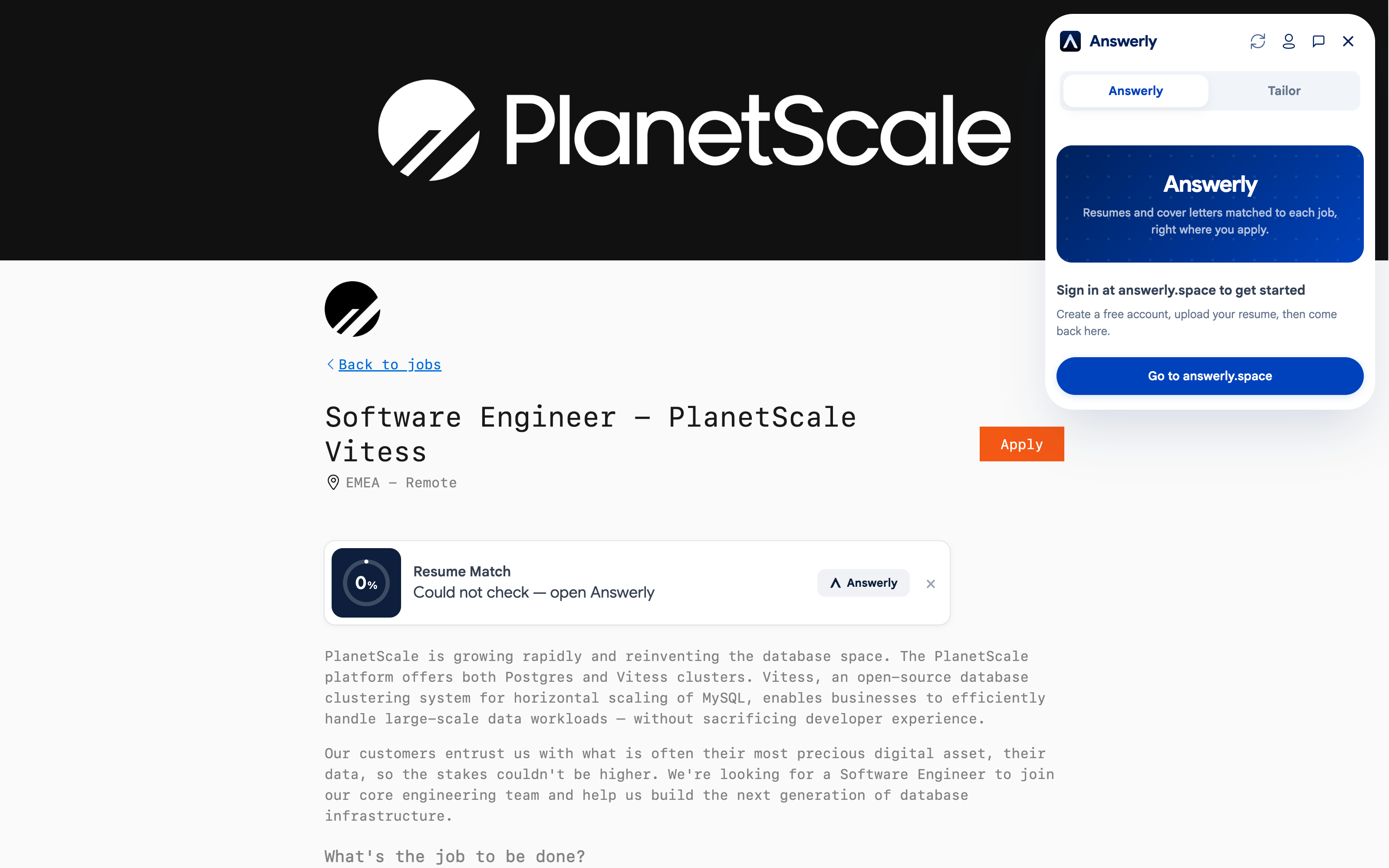
That's the panel open on a live Greenhouse posting, exactly where it appears, on the job page itself rather than a separate tab or app.
Where it's verified to work
Full field-mapping is verified on Greenhouse, Lever, Ashby, Workday, BambooHR, Rippling, Paylocity, iCIMS, Oracle Cloud, ZipRecruiter, and Handshake, plus LinkedIn Easy Apply. That list is shorter than some autofill-only extensions cover. The tradeoff is deliberate: each platform on that list has its own field-mapping logic written and tested against real forms, rather than a generic best-guess filler applied everywhere. If you're applying somewhere outside this list, the panel still helps with drafting answers and checking ATS keyword match, but the form fields need manual entry.
No autofill tool gets every field right on every site every time. Forms change, ATS vendors update their HTML, edge cases exist. That's part of why the extension never submits on its own.
This same engine is what Auto Apply runs in background tabs when you queue multiple jobs instead of filling them one at a time.
What it costs
Autofill is unlimited on every plan, including free. It was never priced as a premium feature. The AI-generation features, resume tailoring, cover letters, interview prep, are what the paid tiers exist for. Full pricing here.
Why it stops before submit
Answerly fills the form and drafts the answers, then stops. You review, you click submit. That line exists for two reasons: some application questions (prior employment at the company, non-competes, security clearance) need a real, personal answer a tool shouldn't guess at, and no autofill mapping is perfect enough to trust blind. Reviewing before submitting catches both problems with one habit.