
Answerly vs Teal: which one should you actually install?
Both Answerly and Teal show up in "best job search extensions" lists, and both live in your browser toolbar while you search. That's about where the similarity ends. They're built for two different moments in a job search, and installing the wrong one for what you actually need is how you end up with three extensions and no clearer picture of your search than when you started.
What Teal is actually good at
Teal's extension is a save-and-track tool. You're browsing LinkedIn, Indeed, or a company careers page, you click the extension, and it pulls the job title, company, salary range, and required skills into a tracker organized as a Kanban board. If you've ever lost track of which version of your resume you sent where, or forgotten you'd already applied somewhere, this is the problem Teal solves, and it's built specifically around saving jobs from anywhere on the web, one click, before you've decided to apply.
Teal also has an AI resume builder, a keyword matcher, and a cover letter generator, but those live inside Teal's own web app. You save the job with the extension, then go build the resume separately.
What Teal doesn't do
Teal doesn't fill out the application form for you. You still open the job posting, then manually retype your work history and answer the same open-ended questions you've answered fifteen times this week. The keyword matching happens in Teal's dashboard, not on the job page while you're looking at the actual description.
What Answerly does differently
Answerly opens a panel directly on the application page, with full field-mapping verified on Greenhouse, Lever, Ashby, Workday, BambooHR, Rippling, and a handful of other ATS platforms. It reads your resume, reads the job description on screen, and from there:
- Fills the form. Work history, education, skills, contact info, mapped straight from your resume on the verified platforms, cutting most of the retyping. (How the field-mapping actually works.)
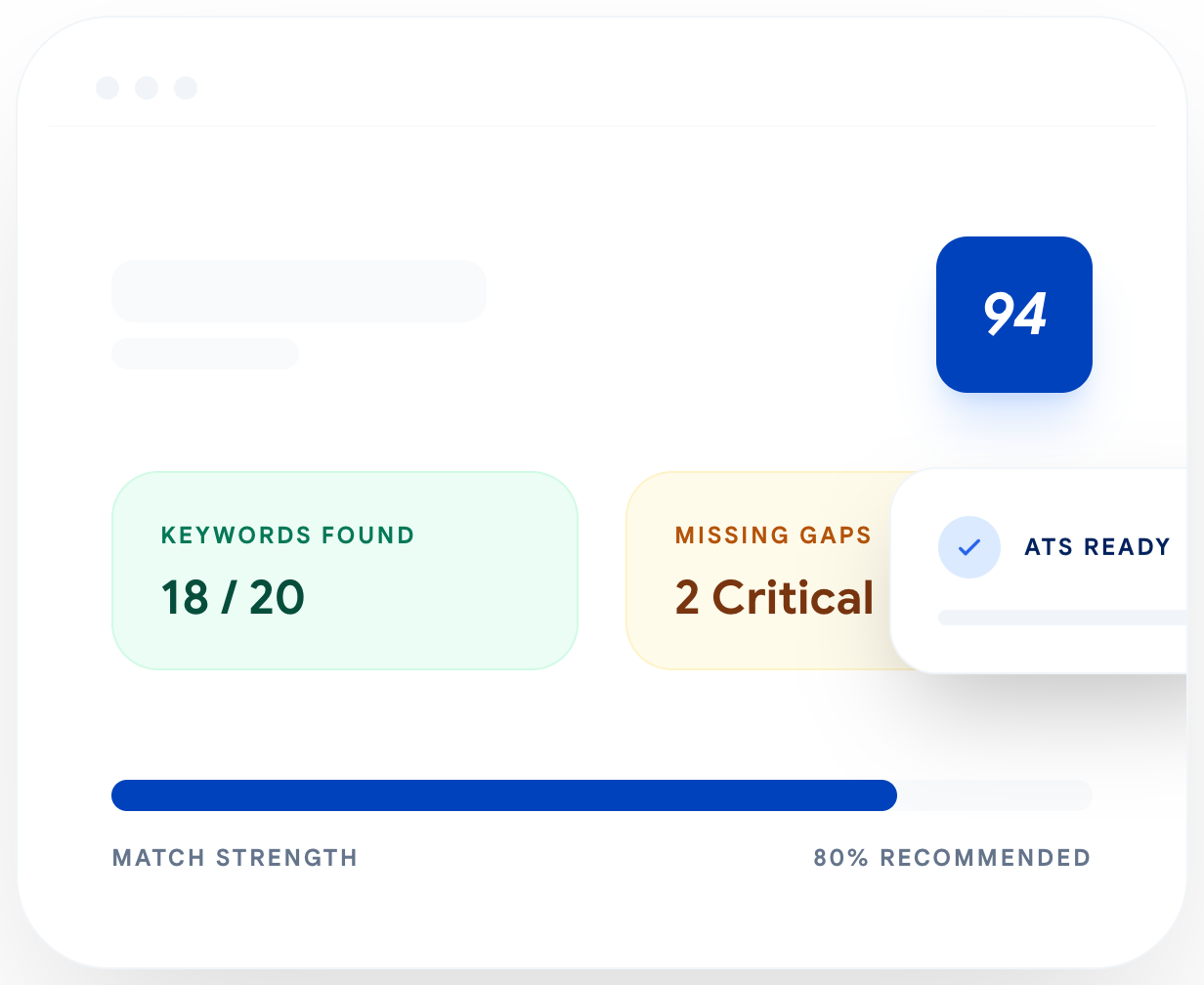
- Scores your ATS keyword match against the specific posting, not a generic scan.
- Drafts an AI cover letter and interview answers grounded in what's actually on your resume.
- Reviews your LinkedIn profile and drafts outreach messages.
- Tracks what you've applied to on a Kanban board, same idea as Teal's, filled in automatically as you view and apply through the extension, with a manual add option for anything outside that.
If you queue applications instead of filling them one at a time, Auto Apply runs the same fill on multiple jobs in background tabs and still stops before submitting anything.
None of this gets submitted automatically. Answerly fills the form and drafts the content, you read it, and you click submit. That's a deliberate line, not a missing feature, and it also covers for the fact that no autofill tool maps every field correctly every time. Some application questions need real judgment a tool shouldn't guess at, so the last click stays yours.
Pricing
Teal+ runs around $29 a month, or roughly $9 a week if you pay weekly, with a free tier that caps the AI features at 10 credits. Answerly's free tier includes unlimited autofill on every plan, and the paid tiers for AI generation start at $6.99 a month, going up to $11.99 a month for the highest usage limits.
The gap isn't small. If you're applying to dozens of roles a month and the AI features are what you'll actually use, Answerly costs a fraction of what Teal charges for the same category of feature.
Which one to install
Both track your pipeline on a Kanban board now, so that's not really the deciding factor anymore. The real difference is where each tool wants to catch you. Teal wants you saving jobs the moment you spot them, anywhere on the web, before you've decided anything. Answerly wants you on the application page itself, filling the form and drafting the answers in the moment you're actually applying.
If you save jobs compulsively and decide later which ones to actually pursue, Teal's workflow fits that habit. If you'd rather skip the saving step and deal with a job the moment you commit to applying, Answerly's built around that instead.
Plenty of people still run both. Neither replaces the other so much as they're built around a different point in the process.